Logging serial output of Chargery BMS
| docs | ||
| driver | ||
| examples | ||
| gui/qml | ||
| install | ||
| LICENSE | ||
| README.MD | ||

License
- MIT License
- Use this project at your own risk
Description
The serial driver receives data from the Chargery BMS and can be used with Venus OS. The serial driver is coded in Python and grabs the data form the RS232 USB interface every second. Example Images:
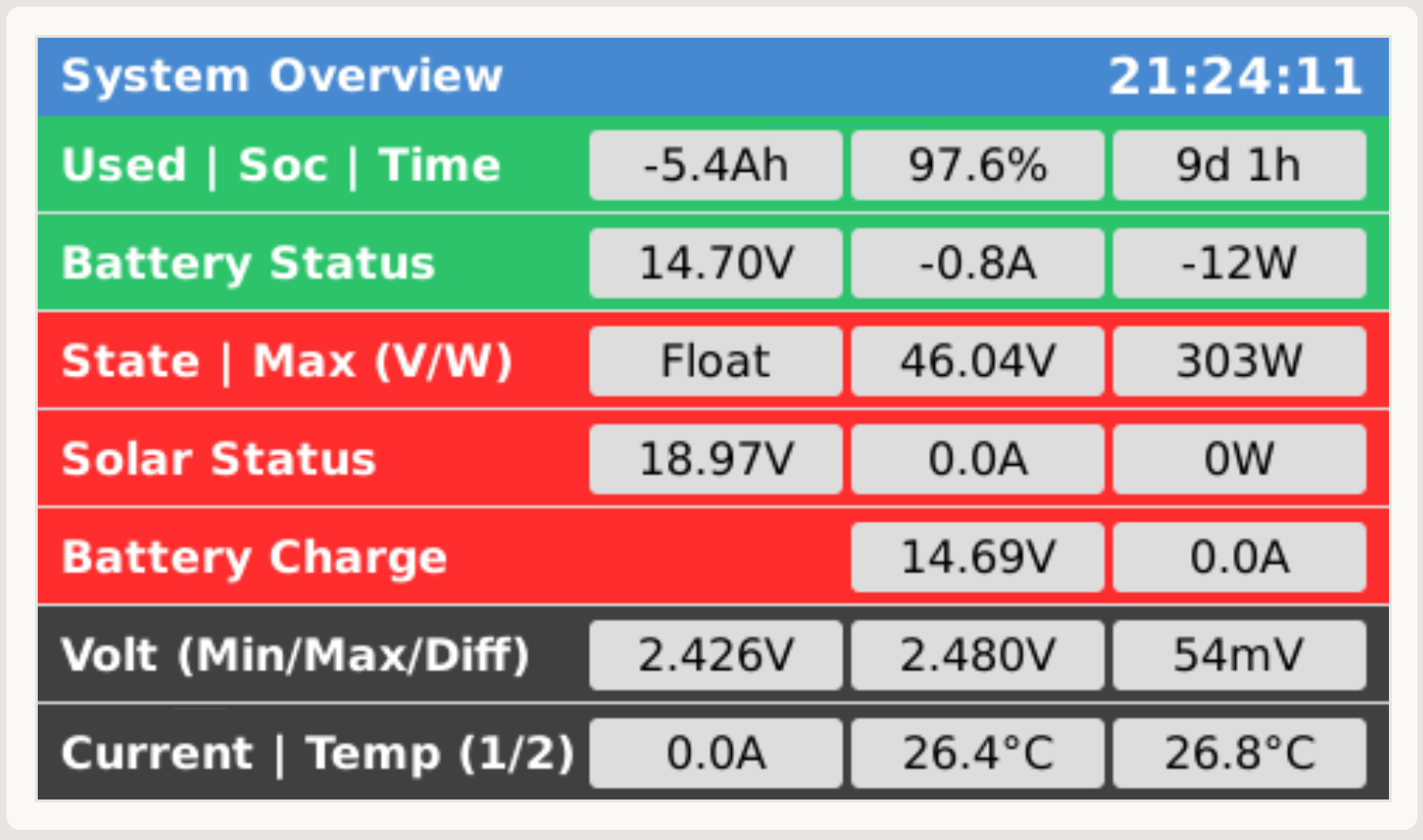
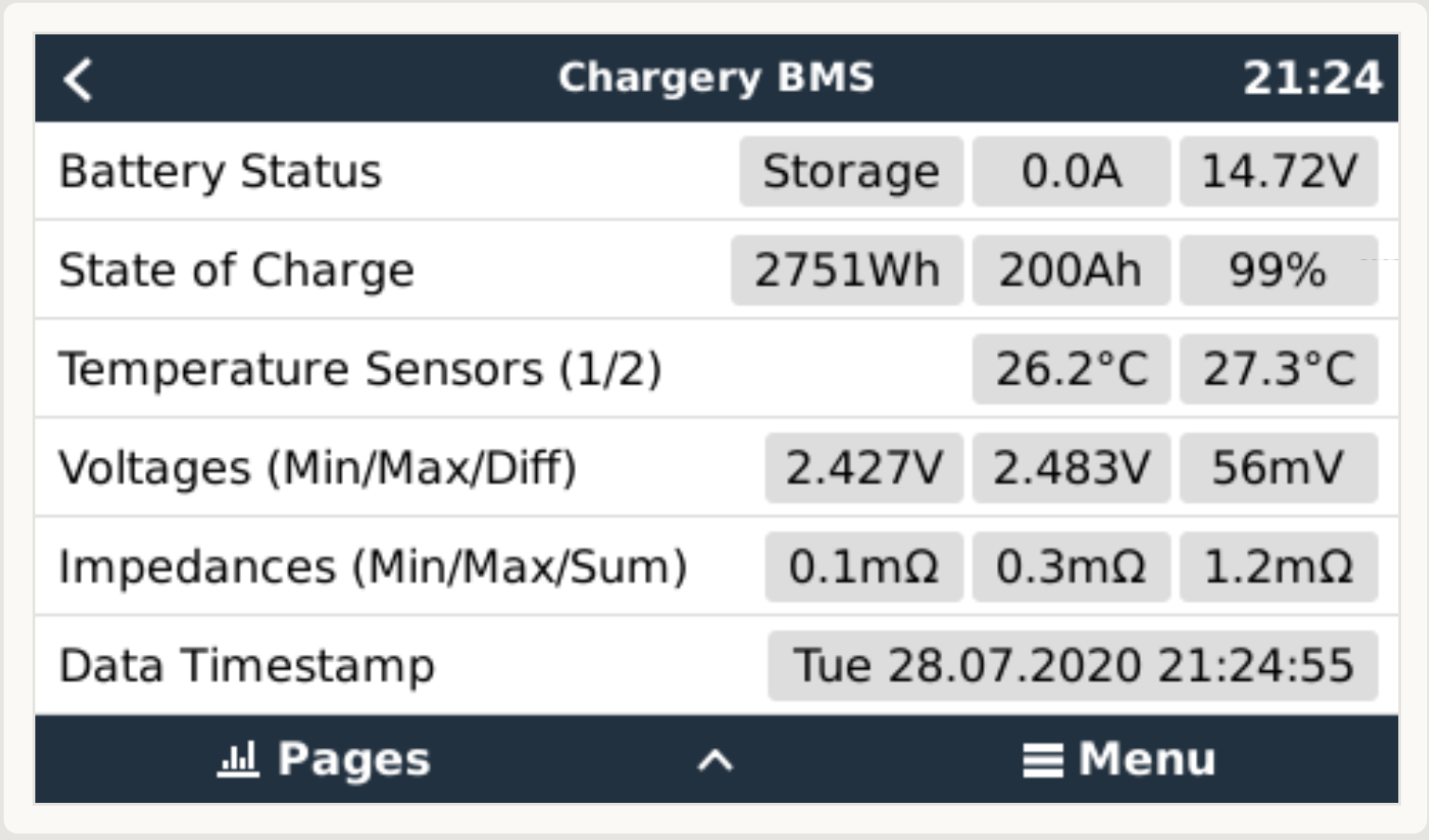
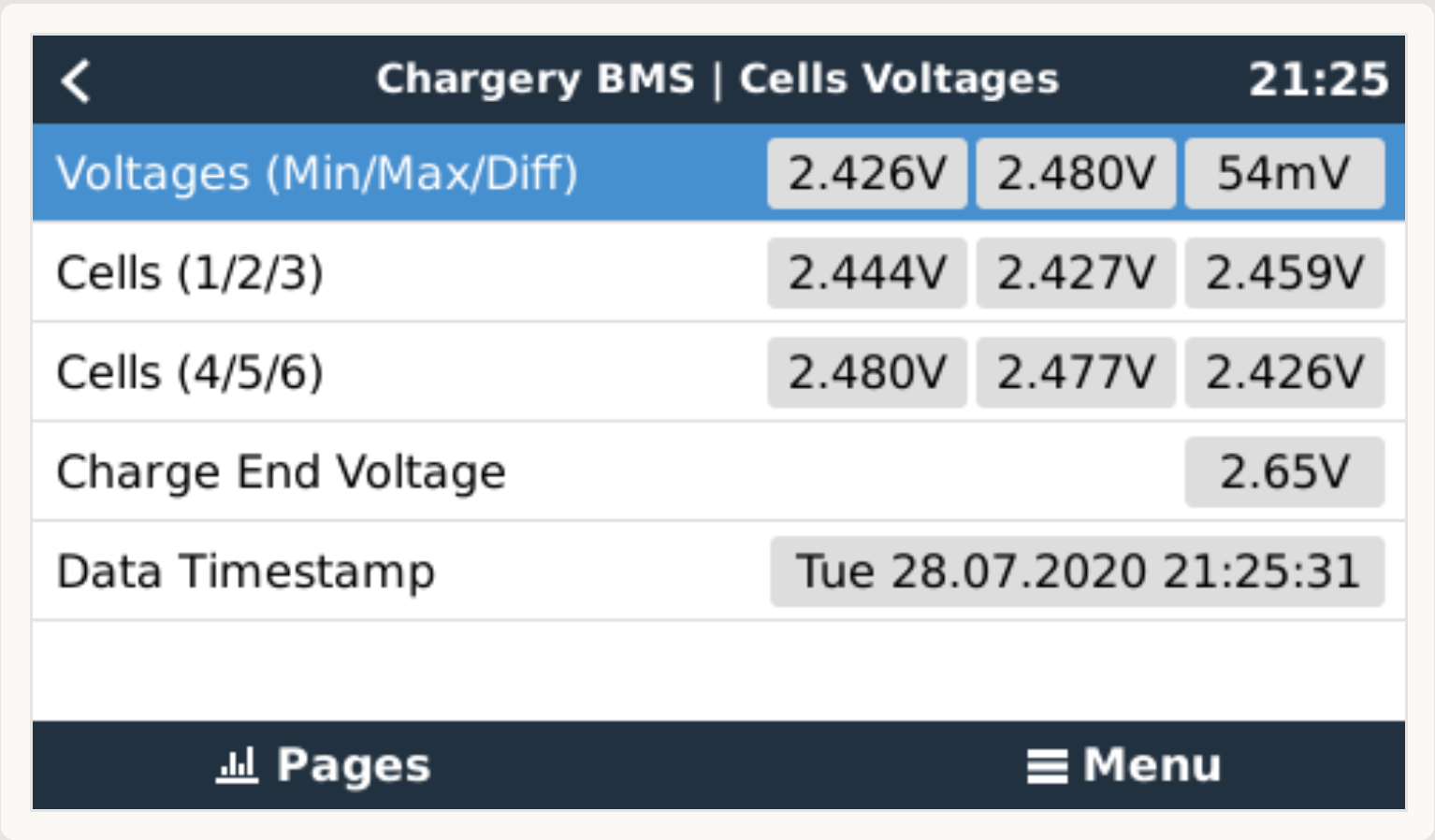
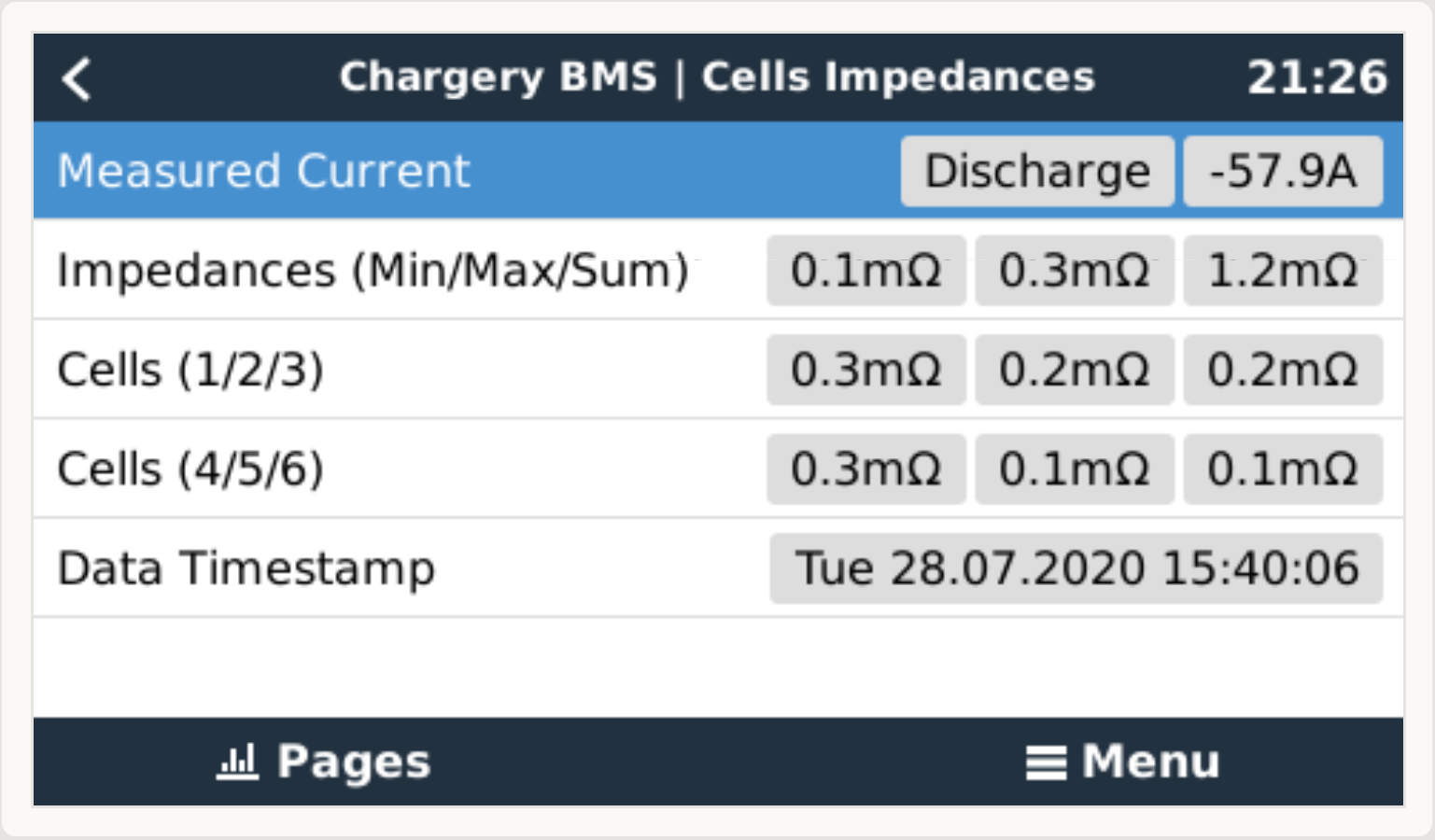
Requirements
- Chargery BMS
- FTDI Adapter FT232RL USB TTL Serial (IMPORTANT: Must be flashed with FT_PROG software to invert tx mode)
Optional
- Support for Victron Venus OS. Support is enabled with the "--victron" command line parameter
Installation
- TBD
Command Line Parameters
usage: chargerybms.py [-h] [--version] [--debug] [--test] [--victron] -d
                      DEVICE

Chargery BMS driver

optional arguments:
  -h, --help            show this help message and exit
  --version             show program's version number and exit
  --debug               enable debug logging
  --test                test some stored examples network packets
  --victron             enable Victron DBUS support for VenusOS

required arguments:
  -d DEVICE, --device DEVICE
                        serial device for data (eg /dev/ttyUSB0)
Notes
- No scripts to resetup the changes automatically on update of Venus OS
- The devices are "hard-coded" at the overview qml file, must be adapted (VE.direct devices, etc)